
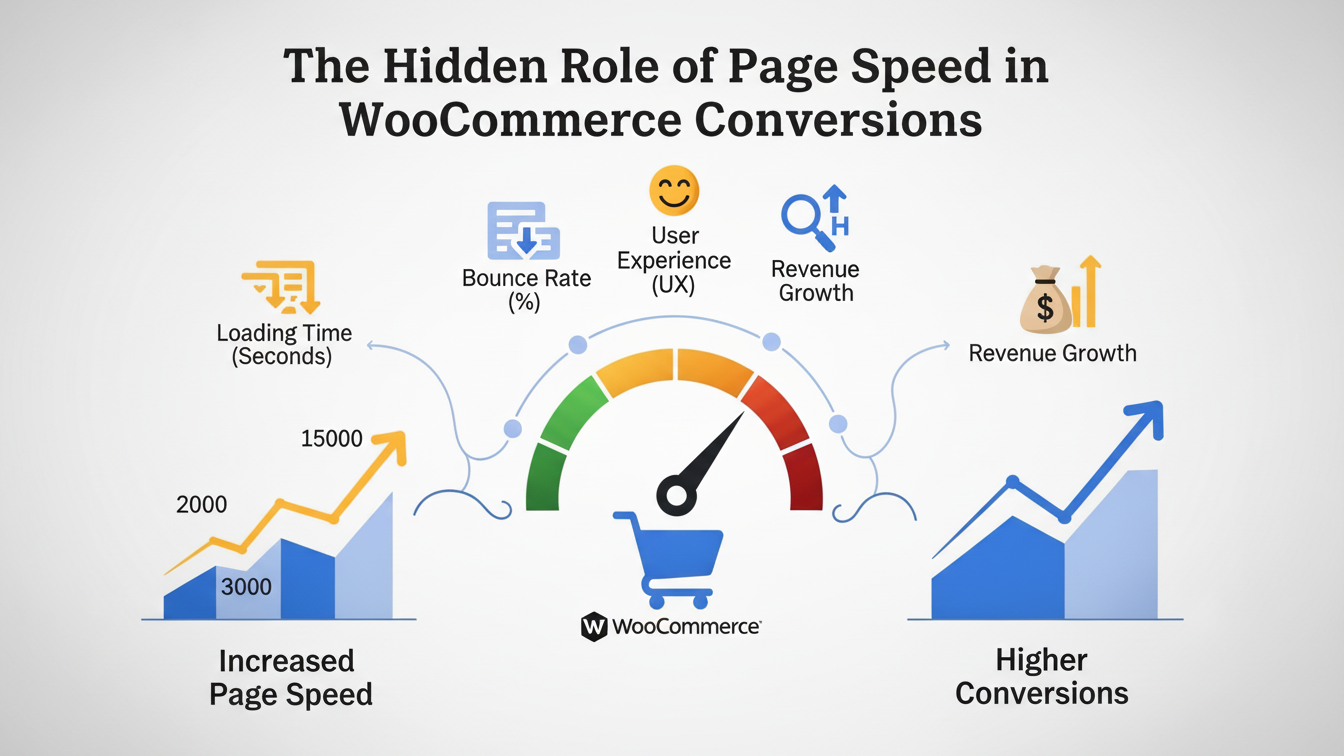
When WooCommerce store owners look to increase sales, they usually look at the visible elements first: a sleeker theme, better product photography, persuasive copywriting, or aggressive discount strategies.
However, there is an invisible infrastructure element that dictates the success of all those efforts: Page Speed.
In the world of e-commerce, speed is not merely a technical metric; it is a psychological trigger, a trust signal, and ultimately, a direct dial on your revenue. Here is how page speed acts as the hidden architect of your WooCommerce conversion rates.
1. The Psychology of the “Buying Trance”
When a customer is browsing your store, they enter a state of flow—often called the “buying trance.” They are imagining owning the product, solving a problem, or enjoying a luxury.
Latency breaks this trance.
- The 3-Second Rule: Studies consistently show that if a page takes longer than 3 seconds to load, over 40% of users will abandon the site.
- The Distraction Factor: Every second of delay gives the user’s brain time to question the purchase. Do I really need this? Should I check Amazon? Is my wifi down?
Speed maintains the momentum required to carry a user from “Just looking” to “Checkout complete.”
2. Speed as a Trust Proxy
In the digital age, users equate speed with professionalism and security.
If your WooCommerce site is sluggish, clunky, or fails to load elements instantly, users subconsciously label the business as “outdated” or “unsecure.” If a site cannot handle loading a jpeg efficiently, the user will rarely trust it to handle their credit card information.
A lightning-fast site signals competence. It tells the user, “We have invested in our infrastructure because we are a legitimate, high-volume business.”
3. The SEO Acquisition Funnel (Core Web Vitals)
You cannot convert traffic that never arrives. Since Google’s introduction of Core Web Vitals, page experience is a ranking factor.
Google prioritizes sites that load quickly (Largest Contentful Paint) and respond instantly to clicks (First Input Delay). If your WooCommerce store is bloated, Google will push it down in the SERPs (Search Engine Results Pages). Lower rankings mean less traffic, and inevitably, fewer conversions.
4. The Mobile Commerce (m-commerce) Reality
More than half of all e-commerce traffic now comes from mobile devices. Mobile users are often on 4G/5G networks (which can be unstable) and have significantly lower patience thresholds than desktop users.
A heavy WooCommerce theme that requires downloading 5MB of assets is a death sentence for mobile conversions. If your “Add to Cart” button lags on a smartphone, that user is gone forever.
5. The WooCommerce-Specific Challenge: Dynamic Content
WooCommerce is distinct from a standard WordPress blog because of dynamic data.
- Shopping carts are unique to every user.
- Pricing might change based on location.
- Inventory levels must be checked in real-time.
Because these elements cannot be cached (stored statically) the same way a blog post can, the server has to work harder. If your server is slow (high Time to First Byte), the checkout process will crawl.
The Checkout Kill-Zone: This is the most critical point. If the checkout page spins while processing payment or calculating shipping, cart abandonment rates skyrocket.
How to Unlock Speed (and Sales) in WooCommerce
Understanding the problem is half the battle. Here are the actionable steps to fix the “hidden” speed leaks in your store:
A. Invest in Managed Hosting
Cheap shared hosting is the enemy of WooCommerce. You are sharing resources with hundreds of other sites. Move to managed WordPress hosting (like Kinsta, WPEngine, or Cloudways) that offers:
- Object Caching (Redis/Memcached): This caches database queries, making dynamic cart operations much faster.
- Isolated Resources: Ensuring traffic spikes don’t crash your site.
B. Image Optimization
High-resolution product photos are necessary, but they shouldn’t be 4MB files.
- Use tools like ShortPixel or Imagify to compress images automatically.
- Serve images in WebP format (lighter and faster than JPEG/PNG).
C. The Plugin Audit
WooCommerce is modular, which tempts owners to install a plugin for everything (wishlists, rewards, popups, sliders).
- Ruthlessly deactivate plugins you don’t use.
- Avoid plugins that load heavy scripts on every single page rather than just where they are needed.
D. Use a CDN (Content Delivery Network)
If your server is in New York but your customer is in London, latency is unavoidable. A CDN (like Cloudflare) stores copies of your site’s images and CSS on servers around the world, serving them to the customer from the location nearest to them.
The Bottom Line
Amazon famously calculated that a 100ms delay in page load time cost them 1% in sales.
For a WooCommerce store, page speed is not an IT ticket to be filed away; it is a marketing strategy. It is the highest ROI investment you can make. Before you spend another dollar on ads or another hour on email marketing, ensure your store is fast enough to convert the people you are inviting in.