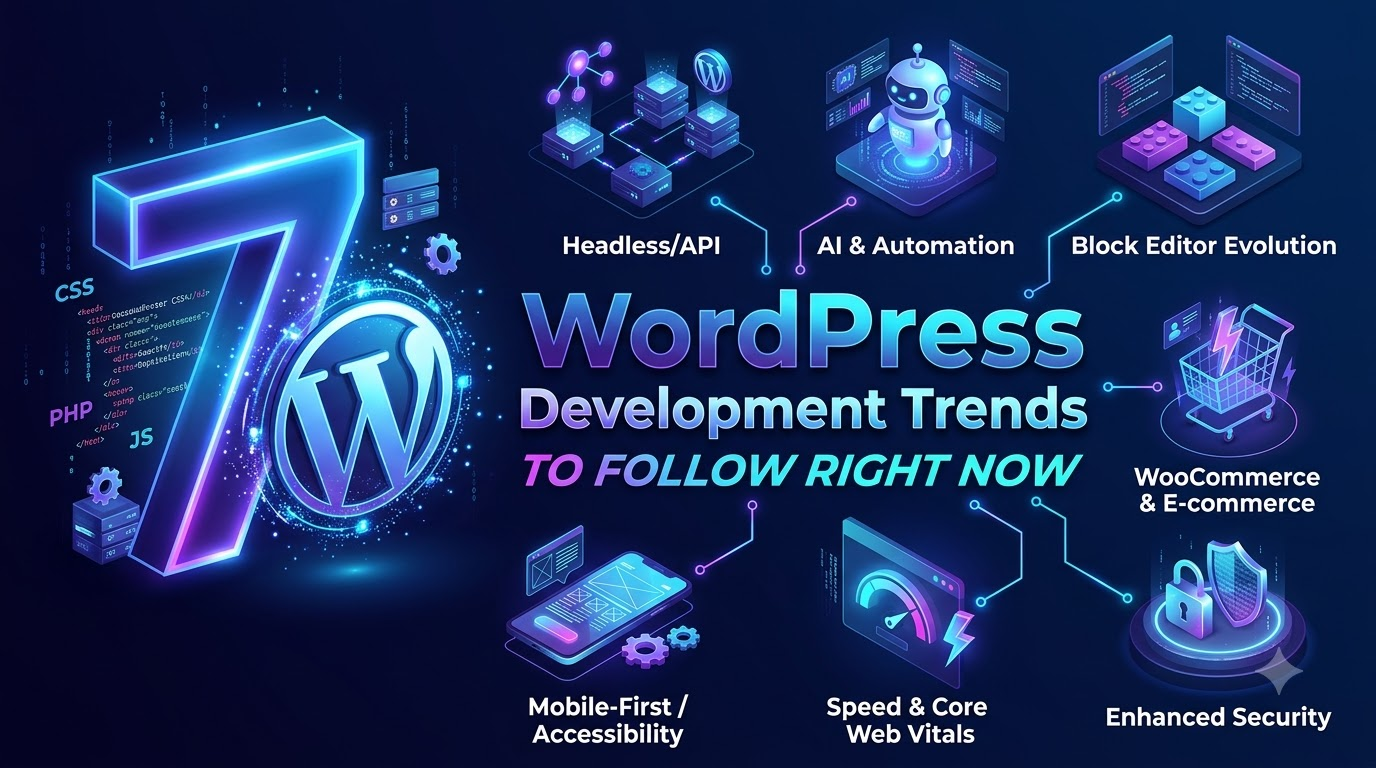
7 WordPress Development Trends to Follow Right Now
WordPress powers over 43% of all websites on the internet. But power doesn’t mean standing still. The days of treating WordPress merely as a simple blogging platform or a basic content management system (CMS) are long gone. Today, WordPress is an enterprise-grade framework driving complex, high-performance web applications.
As client demands shift toward lightning-fast speeds, dynamic user experiences, and bulletproof security, the way we build with WordPress is undergoing a massive shift.
Whether you are a freelance developer, an agency leader, or a site owner wanting to stay ahead of the curve, here are the 7 WordPress development trends you must follow right now.
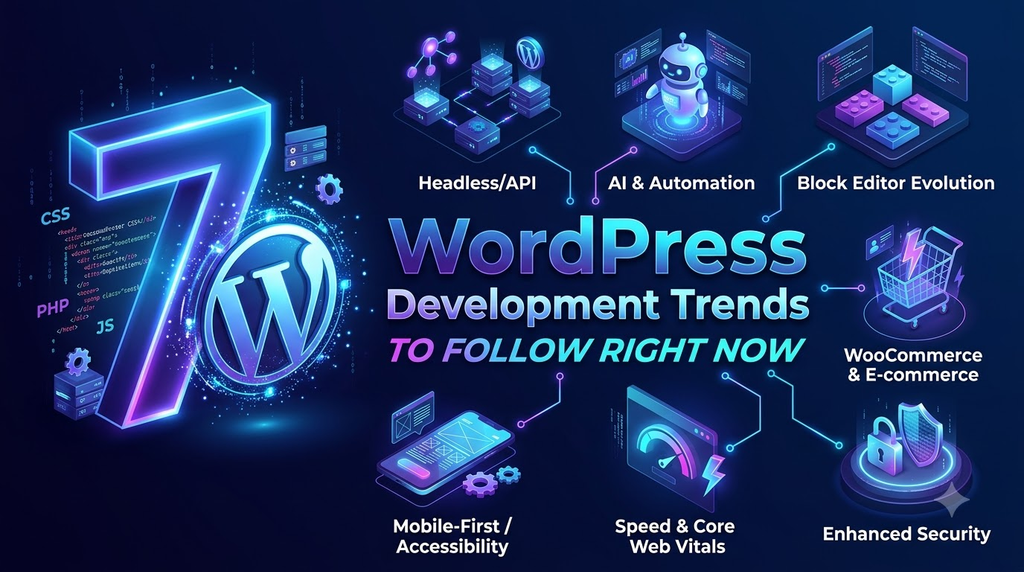
1. The Rise of Headless WordPress (Decoupled CMS)
One of the biggest paradigm shifts in web development is the move toward Headless WordPress.
In a traditional setup, WordPress handles both the backend (content management) and the frontend (the theme displayed to users). In a headless architecture, WordPress acts strictly as a backend CMS, serving content via REST API or GraphQL to a modern frontend framework like React, Next.js, or Vue.js.
Why it’s trending:
- Blazing Fast Speeds: Static site generation (SSG) delivers pages in milliseconds.
- Enhanced Security: Since the WordPress dashboard is decoupled from the public-facing site, the attack surface for hackers is drastically reduced.
- Omnichannel Content: You can push content from one WordPress backend to websites, mobile apps, and IoT devices simultaneously.
Developer Takeaway: If you haven’t already, start learning WPGraphQL and frontend frameworks like Next.js or Faust.js (WP Engine’s headless framework).
2. Deep AI Integration into Development Workflows
Artificial Intelligence has moved beyond simple copy-generating chatbots. In WordPress development, AI is fundamentally changing how sites are built, optimized, and maintained.
How AI is transforming WordPress:
- Code Generation & Debugging: Tools like CodeWP (an AI assistant trained specifically on WordPress PHP, JS, and WooCommerce hooks) are helping developers write custom functions in seconds.
- Smart Search: Replacing basic native search with AI-driven, vector-based semantic search tools.
- Dynamic Personalization: Utilizing AI to alter layout and content real-time based on user behavior and demographics.
Developer Takeaway: Stop fearing AI and start integrating it into your workflow. Use tools like Github Copilot or CodeWP to speed up boilerplate coding and focus on architecture.
3. Full Site Editing (FSE) & Block-First Development
The Gutenberg block editor is no longer just for posts—it has evolved into Full Site Editing (FSE). WordPress native site building now allows developers to create headers, footers, templates, and global styles using blocks.
This shift is rendering bulky, performance-heavy third-party page builders obsolete for many high-end projects.
Why FSE matters:
- Cleaner Codebase: No heavy JavaScript/CSS footprint that traditional page builders introduce.
- Unified Theme Architecture: Everything is managed through the
theme.jsonfile, allowing developers to define global styling, typography, and color palettes centrally. - Custom Block Development: Clients want tailored editing experiences using native block controls rather than rigid custom fields.
Developer Takeaway: Master custom block development using
@wordpress/create-blockand React, and get comfortable crafting themes driven bytheme.json.
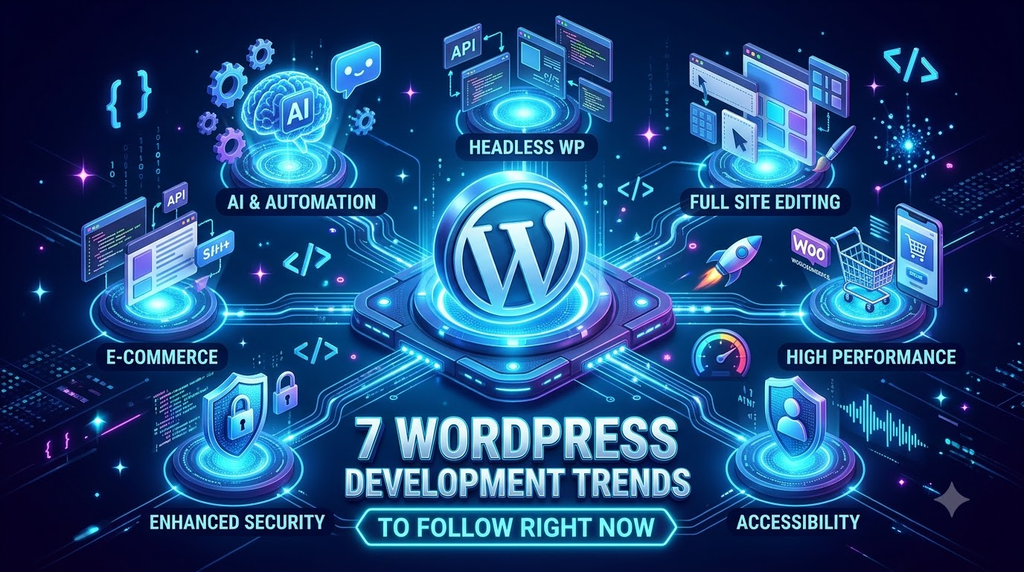
4. Hyper-Focus on Core Web Vitals & Native Performance
Google’s Core Web Vitals (CWV) are a key ranking factor, making web performance a business necessity. The trend is moving away from simply installing performance plugins and toward building performant code from day one.
Key trends in WordPress performance:
- Next-Gen Image Formats: Native support and widespread adoption of WebP and AVIF formats.
- Native Lazy Loading & Font Management: Utilizing WordPress’s built-in font library and asset loading optimizations.
- Micro-Frameworks over Heavy Plugins: Developers are writing custom vanilla JavaScript instead of loading heavy jQuery scripts or multi-purpose plugins.
Developer Takeaway: Audit your build stacks. Audit your dependencies, audit DOM sizes, and leverage server-side caching (Redis, Varnish) paired with lightweight starter themes.
5. Web Accessibility (a11y) as a Standard
Accessibility is no longer an afterthought or a “nice-to-have”—it is now a non-negotiable standard driven by both legal mandates (such as the European Accessibility Act and ADA compliance) and basic ethical design.
Building an accessible WordPress site means ensuring users with visual, auditory, motor, or cognitive disabilities can navigate it seamlessly.
How to adapt:
- Semantic HTML: Moving away from
<div>-heavy layouts and building with proper ARIA roles and landmark tags. - Keyboard Navigation: Ensuring all interactive elements, mobile menus, and popups can be fully navigated without a mouse.
- Automated & Manual Testing: Integrating tools like axe-core or the Equalize Digital Accessibility Checker plugin into your QA process.
Developer Takeaway: Build with accessibility in mind from line one of code. Remediation after launch costs 5x more than building accessibly from the start.
6. Enterprise-Grade Security & Zero-Trust Models
Because WordPress powers so much of the web, it remains a prime target for cyber threats. In response, WordPress security trends are evolving from basic security plugins to Zero-Trust Security Architectures.
What modern WP security looks like:
- Passkeys & Passwordless Login: Implementing WebAuthn for secure, biometrics-based dashboard logins.
- Strict API Security: Securing REST API endpoints to prevent data scraping and unauthorized data mutation.
- Automated Vulnerability Patching: Utilizing services like Patchstack or MalCare that automatically apply micro-patches to known plugin vulnerabilities before official updates drop.
Developer Takeaway: Never rely solely on plugins for security. Implement security headers at the server level, enforce two-factor authentication (2FA) for admin roles, and utilize Web Application Firewalls (WAFs) like Cloudflare.
7. Motion UI & Lightweight Micro-Interactions
Static web pages are giving way to dynamic, highly interactive digital experiences. However, modern users won’t tolerate laggy, heavy animations. The modern trend balances engaging visual polish with minimal performance impacts.
What developers are using:
- Lottie Animations: Vector-based, lightweight animations that load rapidly and scale infinitely without visual degradation.
- CSS Container Queries: Creating components that adapt based on the size of their container rather than just the device viewport.
- GSAP (GreenSock Animation Platform): Used for advanced, scroll-triggered storytelling web experiences that run smoothly at 60fps.
Developer Takeaway: Use animations purposefully to guide the user’s eye or feedback on an action (like submitting a form)—don’t animate just for the sake of it.
Final Thoughts: How to Stay Ahead
The modern WordPress ecosystem is fast-moving, sophisticated, and exciting. To remain competitive as a developer or agency, you don’t need to adopt every single trend overnight, but ignoring them altogether isn’t an option.
Where to start?
- Audit your current workflow.
- Transition your next theme project to use Full Site Editing and
theme.json. - Experiment with CodeWP or GitHub Copilot to speed up your routine coding.